Attendance & Hours
Attendance and hours for robotics teams
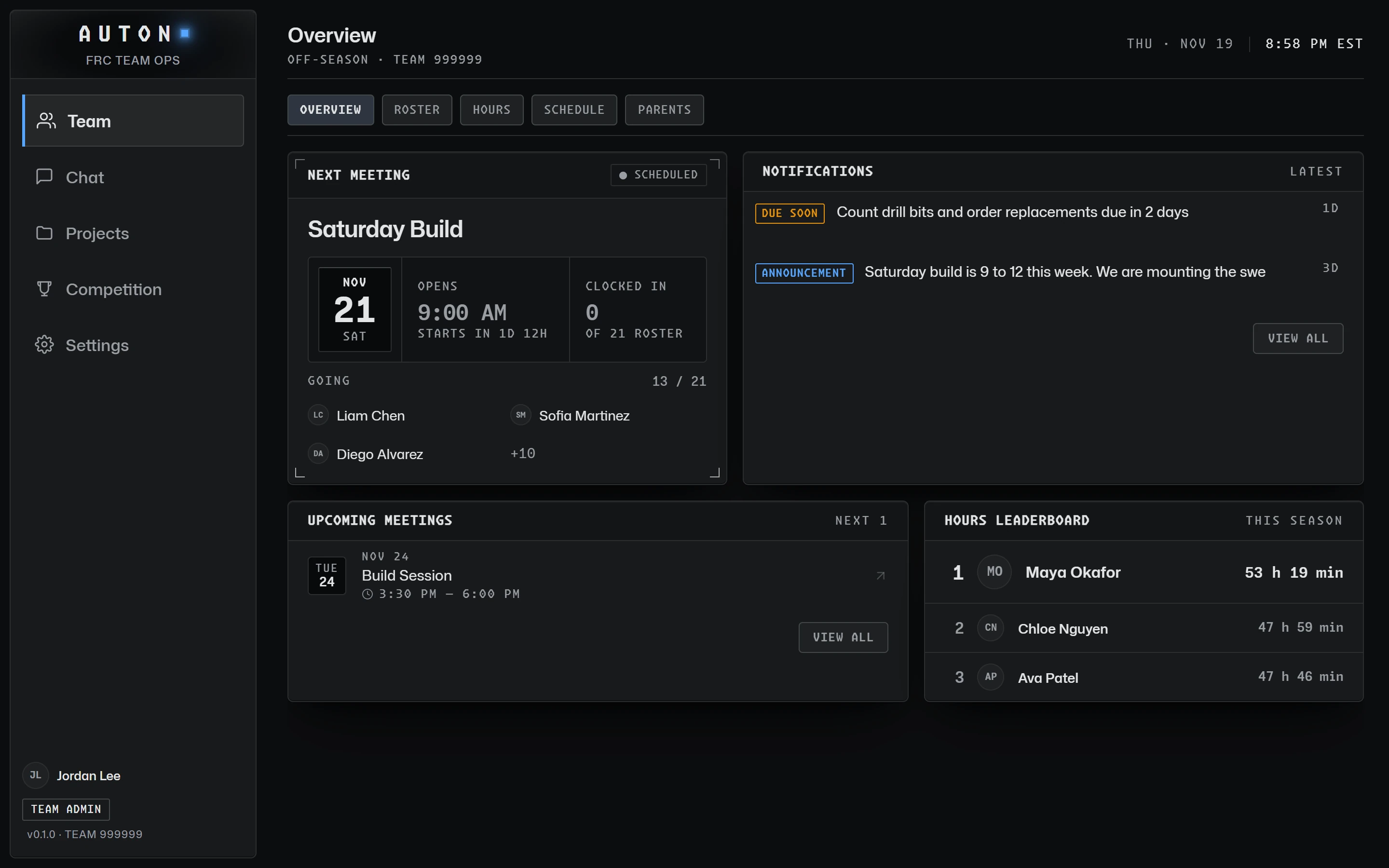
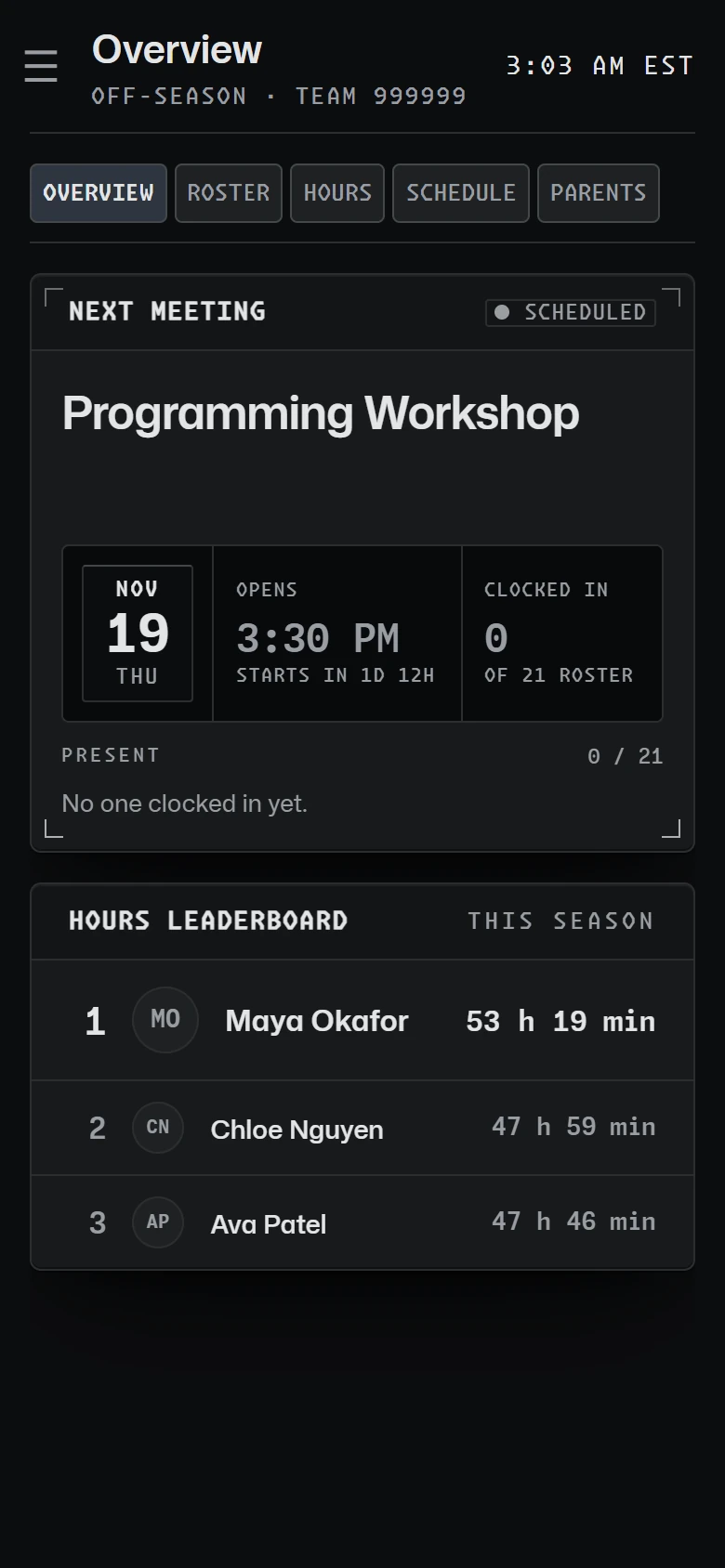
Students sign in to meetings on their own phone or a shared kiosk, and every hour adds itself up from those sign-ins: no sheets, no spreadsheet.
Meetings and RSVPs
Schedule meetings, one-off or weekly, and let students say whether they are coming. Competition events from The Blue Alliance sit in the same list, so the whole season is in one place.

Sign in with a meeting code
Students sign in and out on their own phone with the code shown at the meeting. Mentors and the team admin run the meeting and don’t clock in; they see who is here right now.

A shared sign-in kiosk
Turn a tablet or laptop into a kiosk for one meeting: students find their name and tap Sign In or Sign Out, with a 4-digit PIN when the team turns PINs on (always, when a student lead starts the kiosk). It works from 30 minutes before the start until 2 hours after the end, and only for that meeting.

Hours that add themselves up
Hours are worked out from sign-ins, never typed in, and ending a meeting signs everyone out. A student who forgot to sign out asks for a correction, an adult approves or declines it, and every change is recorded.
A season leaderboard keeps the team motivated, and mentors can export hours as a spreadsheet for awards and school records.

Read the guide
Tracking FRC Team Hours and Attendance
What to count, sign-in methods that work, handling forgotten sign-outs, and keeping records students and schools can trust.
More features
Scouting
Match and pit scouting with your season's form, scout assignments and a shared pick board.
Projects & Build Log
Sub-teams, projects and tasks, part requests and budget, and a team-private build log.
Team Communication
Team channels with no one-to-one adult-student messages, announcements and safe email to parents.
Get your team on AUTON. Free for FRC teams: a school adult sets the team up, and mentors and students join with its codes.
GET STARTED