Team Communication
Team communication for robotics teams
One place for the whole team to talk, built with students’ safety in mind.
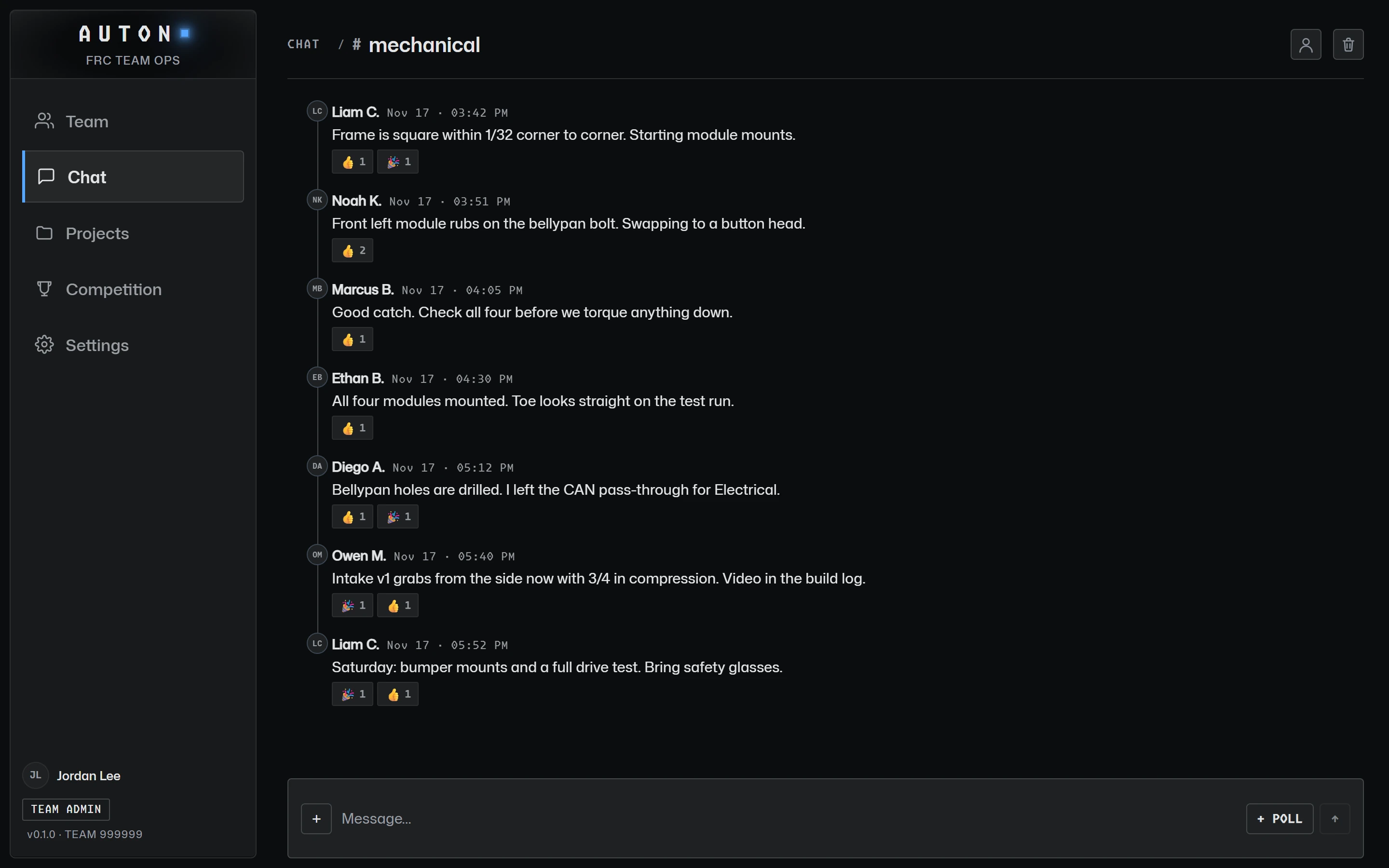
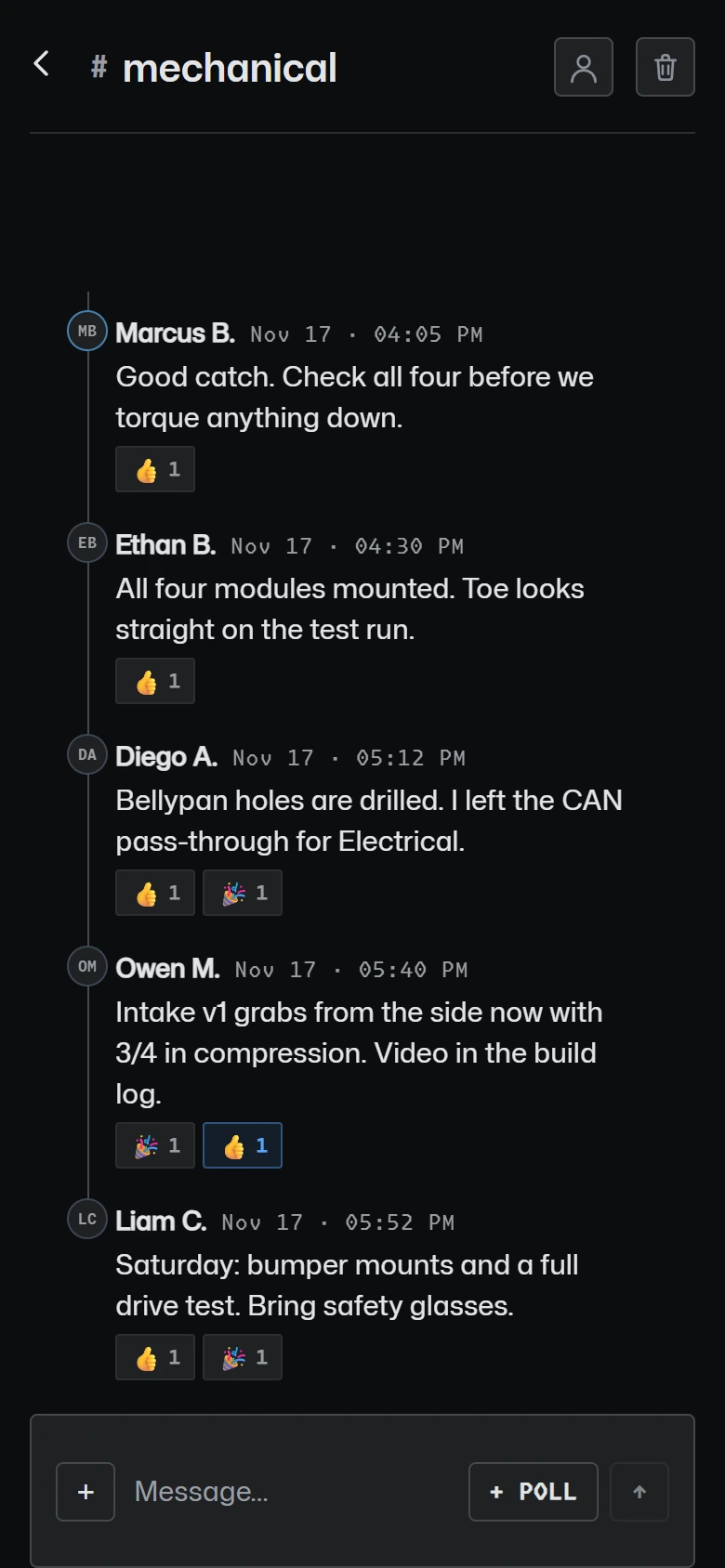
Team channels, not direct messages
Every team gets a team channel, a mentors channel, a leads channel and an announcements channel, and can add its own. There are no one-to-one messages between adults and students: conversations happen where the team can see them.

Live chat, replies and reactions
Messages, replies, reactions and polls update live for everyone in the channel. Profanity and slurs are blocked, harassment is blocked and flagged, and messages about self-harm alert the team’s safety contacts, with no message text in the alert.

Announcements and polls
Post announcements the whole team sees first, optionally by email too, and run polls in announcements or any channel. A vote can be changed or taken back.

Email to parents
Mentors keep a list of parent and guardian contacts. Only the team’s adults can see parents’ addresses; a student allowed to email parents picks “all parents” or “parents of these students” and never sees one. Every email has a one-click unsubscribe that deletes the contact.

Read the guide
Communicating with FRC Parents and Students
Youth protection basics, choosing channels, emailing parents, photos and handling safety concerns.
More features
Scouting
Match and pit scouting with your season's form, scout assignments and a shared pick board.
Attendance & Hours
Meeting sign-ins on a phone or a shared kiosk, and hours that add themselves up.
Projects & Build Log
Sub-teams, projects and tasks, part requests and budget, and a team-private build log.
Get your team on AUTON. Free for FRC teams: a school adult sets the team up, and mentors and students join with its codes.
GET STARTED