Projects & Build Log
Projects and build log for FRC teams
Organize the build season by sub-team, keep parts and money in view, and record what got built.
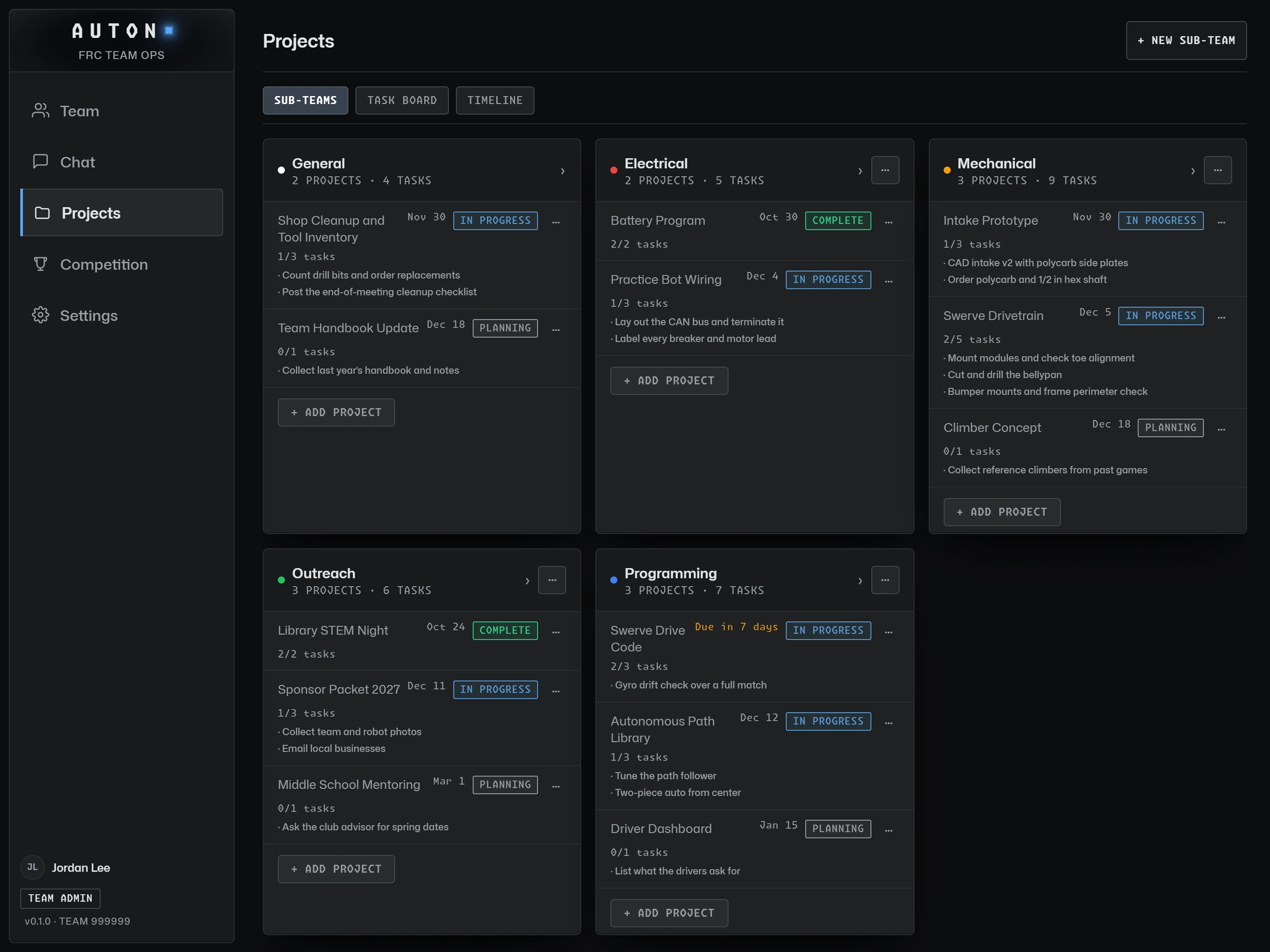
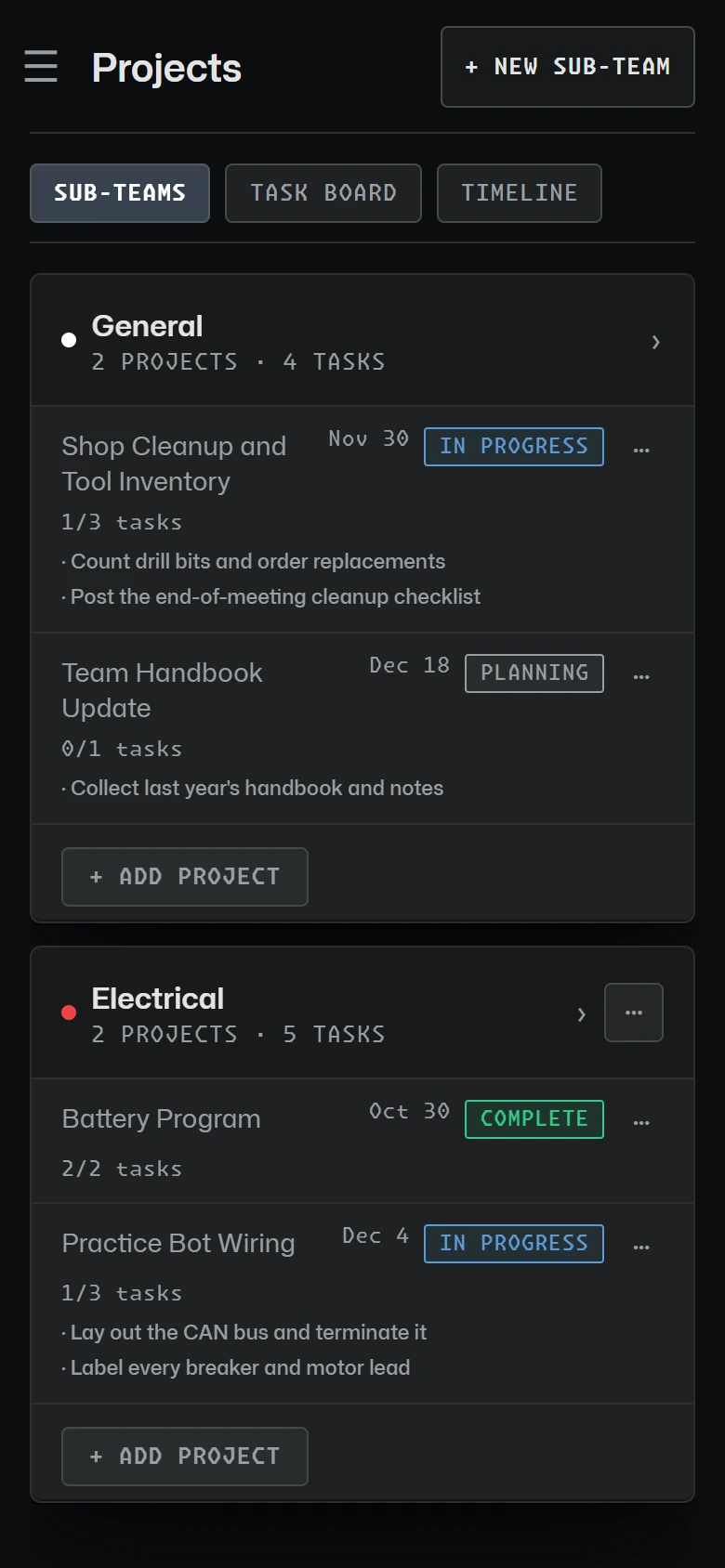
Sub-teams and projects
Group work by sub-team, each with its own color. Projects carry a status, dates and a progress bar that follows their tasks, and projects can nest.

Tasks, task board and timeline
Assign tasks with due dates, drag them into order, move them across a task board, and see the season on a timeline. Keep CAD links, documents and photos with the project they belong to.

Parts, inventory and budget
Request a part with a clear approval trail, count what is on the shelf, and track funding and expenses by category with the remaining total. The team’s adults see the budget, and so do students given the budget permission.

A team-private build log
Post progress with photos and tag it with projects, a meeting or a sub-team. The build log is private to your team, so students can share the messy middle.

Read the guide
Organizing an FRC Build Season
Setting up sub-teams, breaking the robot into projects and tasks, planning backwards from your first event, and documenting the work.
More features
Scouting
Match and pit scouting with your season's form, scout assignments and a shared pick board.
Attendance & Hours
Meeting sign-ins on a phone or a shared kiosk, and hours that add themselves up.
Team Communication
Team channels with no one-to-one adult-student messages, announcements and safe email to parents.
Get your team on AUTON. Free for FRC teams: a school adult sets the team up, and mentors and students join with its codes.
GET STARTED